
Telehealth Patient Intake Forms
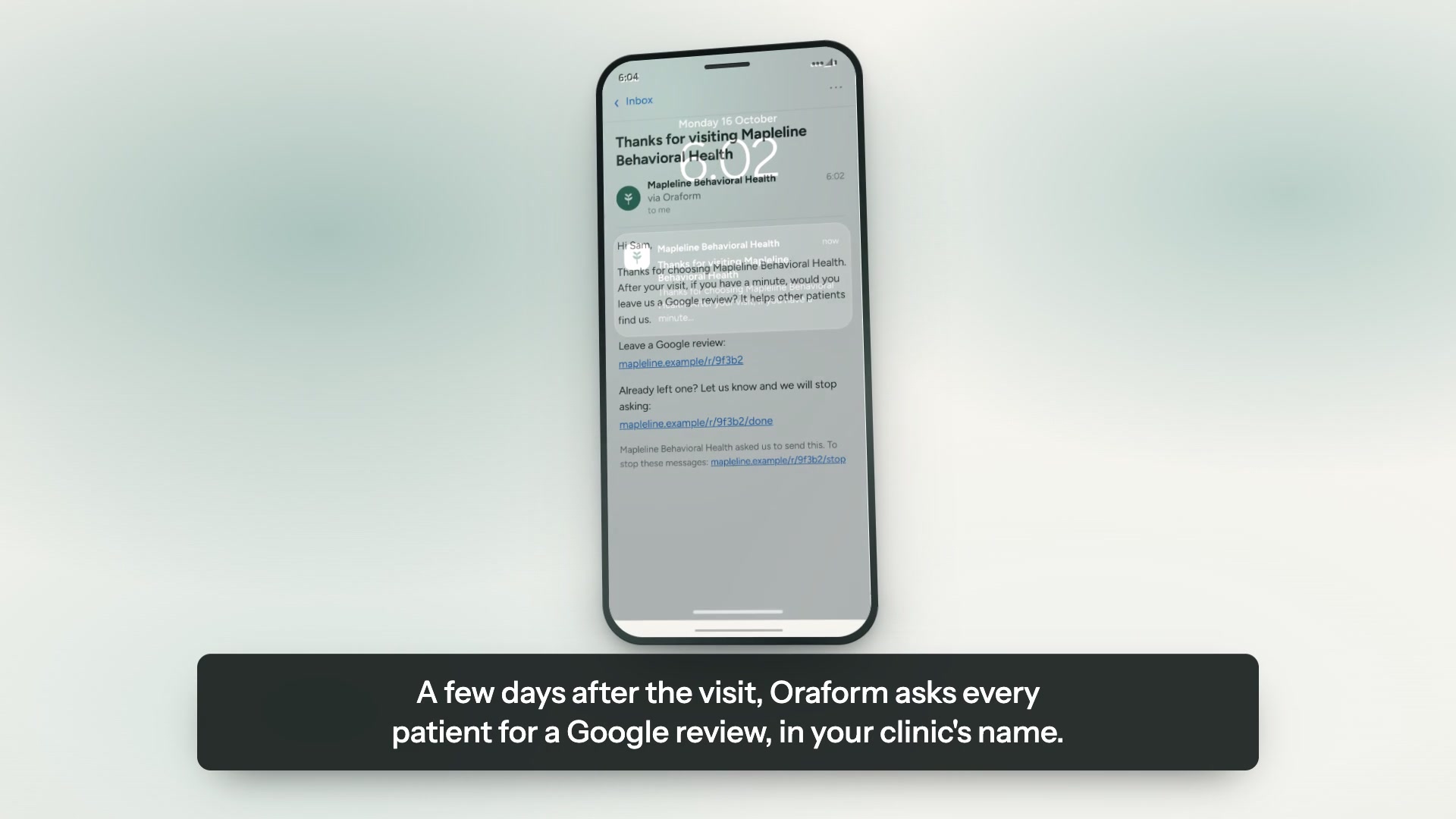
Where your patients live and how they found you, as numbers rather than a hunch, plus a Google review request after the visit — all from what a front desk would have collected in person, collected on the patient’s phone instead.
Send us your forms — free sampleTry a live sample form
Opens the new-patient intake from our demo practice. It asks for contact details, insurance and when the patient is free — the same shape a telehealth intake takes.

A real Oraform form on a phone, from our demo practice. The questions change by specialty; the experience does not.
The forms you can put online
We rebuild what you already hand patients — same questions, same wording, in your colours.
- New-patient intake
- Consent to telehealth
- Photo ID & insurance card capture
- Medical history & medications
- Preferred call times & contact details
- HIPAA notice acknowledgment
What matters in telehealth
The front-desk steps, without a front desk
ID, insurance, consent and contact details are the things a receptionist collects on arrival. In a telehealth visit nobody arrives, so they have to be collected beforehand or chased during the call.
Photo ID and insurance captured from the phone
The patient photographs the card and the details are filled in. It is an optional step on any form that asks for it, and it is considerably better than reading a policy number aloud over video.
Telehealth consent signed in advance
Consent to telehealth is signed with a finger before the visit, and arrives in the same PDF as the intake rather than as a separate chase.
Preferred times, asked properly
When the patient is actually free, collected as an answer you can read rather than a sentence in a free-text box.
Nothing to install
The form opens in the browser the patient already has. No account, no app, no password — which is the whole point for a patient who is already nervous about the technology.
Three steps, about a week.
The same round trip every practice runs: a code at the front desk, the form on a phone, the answers in your dashboard.
Send us your forms
A PDF, a Word file, a link, or a photograph of the sheet on your desk. Whatever you have is enough to start.
We rebuild them, free
Same questions, same wording, in your colours and your logo. You review it before a patient ever sees it.
Patients finish on a phone
A link or a QR code at the front desk. No app, no account, progress saved as they go.
Built for patient information
Encrypted in transit and at rest, hosted on Google Cloud, with every view and export logged. We sign a business associate agreement with every practice. We do not say “HIPAA compliant” or “certified” — neither is ours to say.
- HIPAA-ready
- BAA available
- Encrypted at rest & in transit
- Hosted on Google Cloud
- Every view and export logged
Questions about telehealth forms
Can we send the form by text or email?
The form is a link, so it goes wherever you already send things — your own email, your own SMS, a QR code on a letter. Oraform does not need to own the channel for the link to work.
Is a telehealth consent form the same in every state?
No, and this is the honest answer: telehealth consent requirements vary by state and by payer, and we are not giving legal advice. We rebuild the consent your practice already uses, or give you a generic starting point to take to your own counsel. What goes in it is your decision.
Do patients need an account?
No. A link opens the form in their browser. Progress saves as they go, and Finish later sends a private link back to where they stopped.
Does it work with our practice management software?
Not as a direct integration today. Submissions export as a PDF for the chart or as Excel for the data, and every view and export is logged.
Is it HIPAA-ready, and will you sign a BAA?
Answers are encrypted in transit and at rest on Google Cloud, access is restricted and logged, and we sign a business associate agreement with every practice. We do not say “HIPAA certified” or “HIPAA compliant” — that standing is about how your practice works. The security page has the detail.
More from Oraform
Get a free sample of your form.
Send us the forms you hand patients today and we'll turn them into working Oraform samples — your logo on them, finished on a phone or a computer. We rebuild all of your forms free, and free setup comes with it. No cost, no commitment, nothing to cancel.
We'll send your sample within one business day, with your logo on it — a link you can open on a phone or a computer and hand straight to a patient.
Nothing to do in the meantime. If you'd rather talk it through, email forms@oraform.health or call (312) 635-5523.