
Behavioral Health Intake Forms, Online
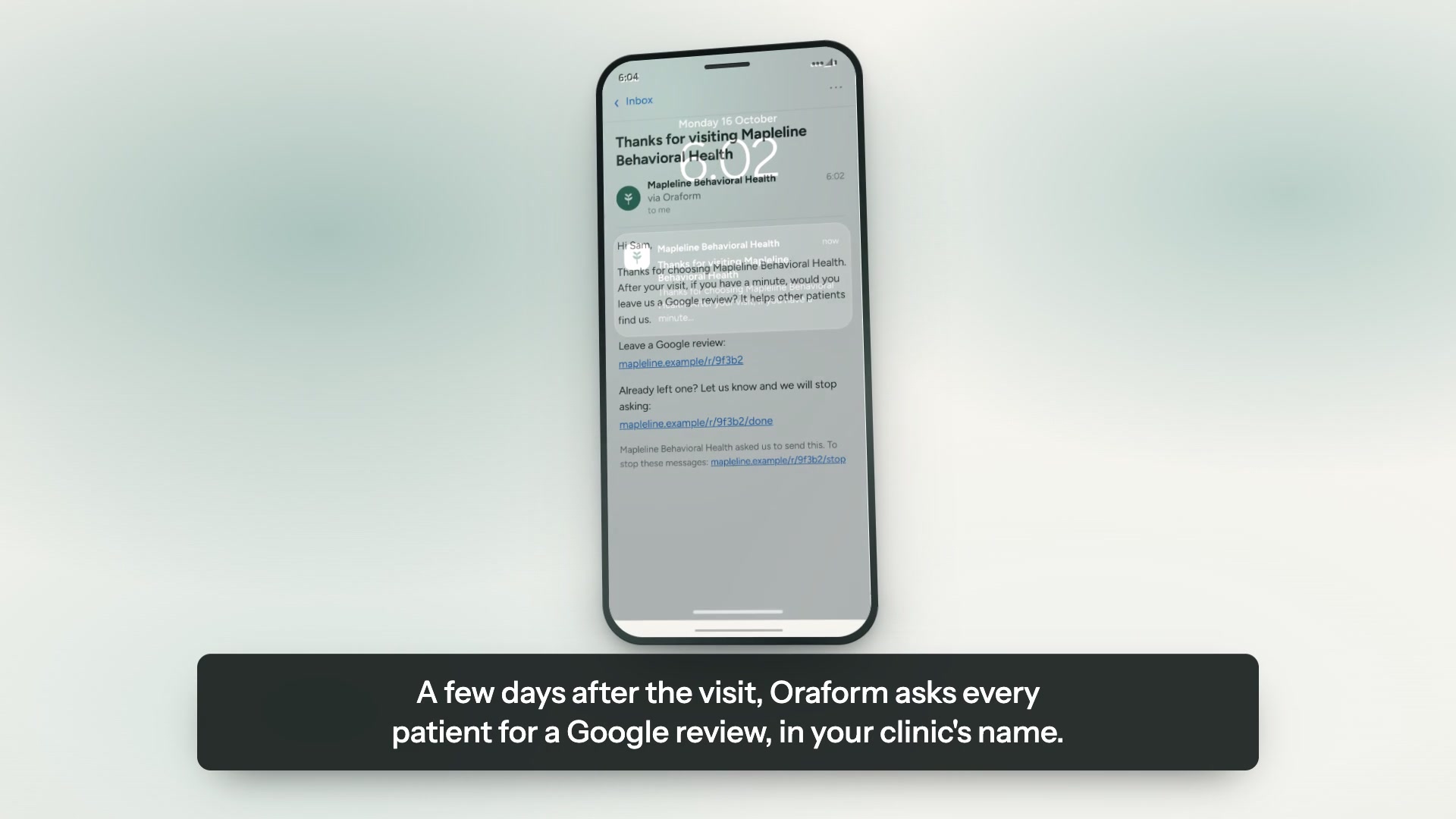
A clear view of where your clients come from, and a Google review request a few days after the visit — all from screeners, histories and consents finished before the first session, scored the moment they are submitted.
Send us your forms — free sampleTry the PHQ-9 and GAD-7 live
This one is the real thing: a working PHQ-9 and GAD-7 on our demo practice, scored the way yours would be.

The PHQ-9 on our demo practice — the same form the “try it live” button opens.
The forms you can put online
We rebuild what you already hand patients — same questions, same wording, in your colours.
- New-patient intake
- PHQ-9
- GAD-7
- Psychiatric & medication history
- Consent to treatment
- Release of information
What matters in behavioral and mental health
Screeners scored on submission
A PHQ-9 comes back as a number and a severity band, not nine answers for someone to add up. The same for the GAD-7. The score sits next to the submission in the dashboard and in the PDF.
Item 9 raises an alert, immediately
A PHQ-9 answer that indicates risk is flagged to your clinical inbox the moment it is submitted, rather than waiting to be read. The alert email deliberately contains no patient information — it says a submission needs review and links to it behind sign-in.
Short, easy screens, which is the point here
Sixteen screener items spread over short screens is a different experience from sixteen rows on a sheet, and progress is saved as the patient goes. Finish later means stopping is not starting over.
In the patient's own language
Forms can be answered in English, Spanish or Arabic, and the answers reach you in one place regardless of which was used.
Consent and release signed in the same sitting
Consent to treatment and a release of information are signed on the phone with a finger, and arrive with the intake rather than a week later.
Three steps, about a week.
The same round trip every practice runs: a code at the front desk, the form on a phone, the answers in your dashboard.
Send us your forms
A PDF, a Word file, a link, or a photograph of the sheet on your desk. Whatever you have is enough to start.
We rebuild them, free
Same questions, same wording, in your colours and your logo. You review it before a patient ever sees it.
Patients finish on a phone
A link or a QR code at the front desk. No app, no account, progress saved as they go.
Built for patient information
Encrypted in transit and at rest, hosted on Google Cloud, with every view and export logged. We sign a business associate agreement with every practice. We do not say “HIPAA compliant” or “certified” — neither is ours to say.
- HIPAA-ready
- BAA available
- Encrypted at rest & in transit
- Hosted on Google Cloud
- Every view and export logged
Questions about behavioral and mental health forms
Is the PHQ-9 scored automatically?
Yes. The total and the severity band are calculated on submission and shown with the response. The PHQ-9 and GAD-7 are screening instruments, not diagnoses — the score is there to tell a clinician where to look, and the page in your dashboard says so too.
What happens when someone answers item 9?
An alert goes to the clinical inbox you nominate, straight away. ⚠ It is an alert, not a monitoring service: the form itself tells the patient that it is not monitored in real time and gives them the 988 line and 911, because software cannot promise someone is reading at 2am.
Can patients fill it in at the front desk?
Yes, with a QR code or a link on a practice tablet. For a screener it is often better sent ahead, so the answers are already scored when the session starts.
Does it work with our practice management software?
Not as a direct integration today. Submissions export as a PDF for the chart or as Excel for the data, and every view and export is logged. There is no write-back into an EHR yet.
Is it HIPAA-ready, and will you sign a BAA?
Answers are encrypted in transit and at rest on Google Cloud, access is restricted and logged, and we sign a business associate agreement with every practice. We do not claim to be “HIPAA certified” or “HIPAA compliant”; that standing is about how your practice works, not about the software. The security page sets out the detail.
More from Oraform
Get a free sample of your form.
Send us the forms you hand patients today and we'll turn them into working Oraform samples — your logo on them, finished on a phone or a computer. We rebuild all of your forms free, and free setup comes with it. No cost, no commitment, nothing to cancel.
We'll send your sample within one business day, with your logo on it — a link you can open on a phone or a computer and hand straight to a patient.
Nothing to do in the meantime. If you'd rather talk it through, email forms@oraform.health or call (312) 635-5523.